
Overview
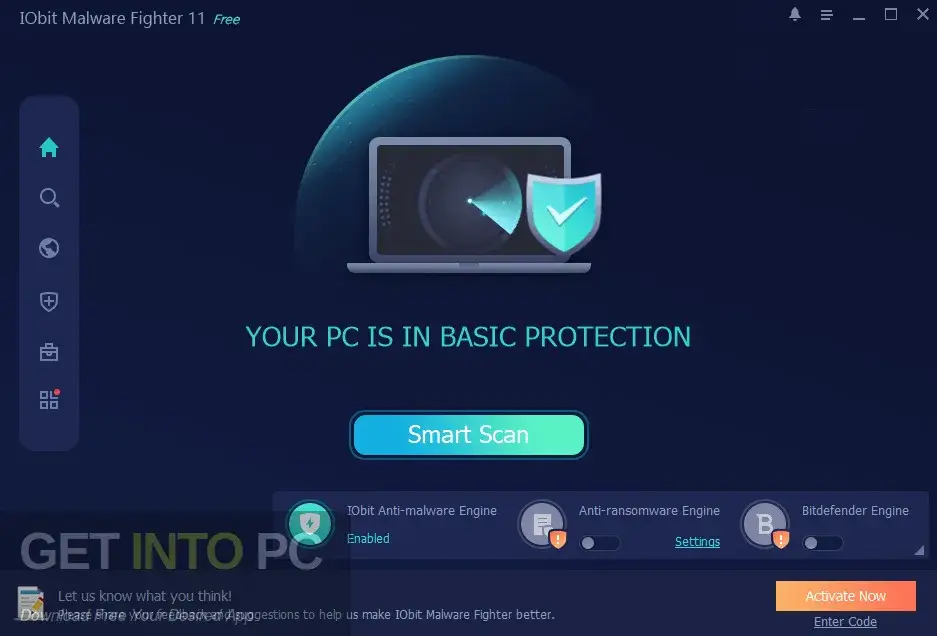
IObit Malware Fighter 2024 is a security software that helps protect your computer from viruses and harmful files. It works in real-time to stop threats before they can damage your system. The software keeps your PC safe while you browse the internet and download files. It can find and remove different types of malware like spyware, trojans, and ransomware. It also blocks dangerous websites, ads, and pop-ups. The program is easy to use, so even beginners can use it without any problem.
Key Features
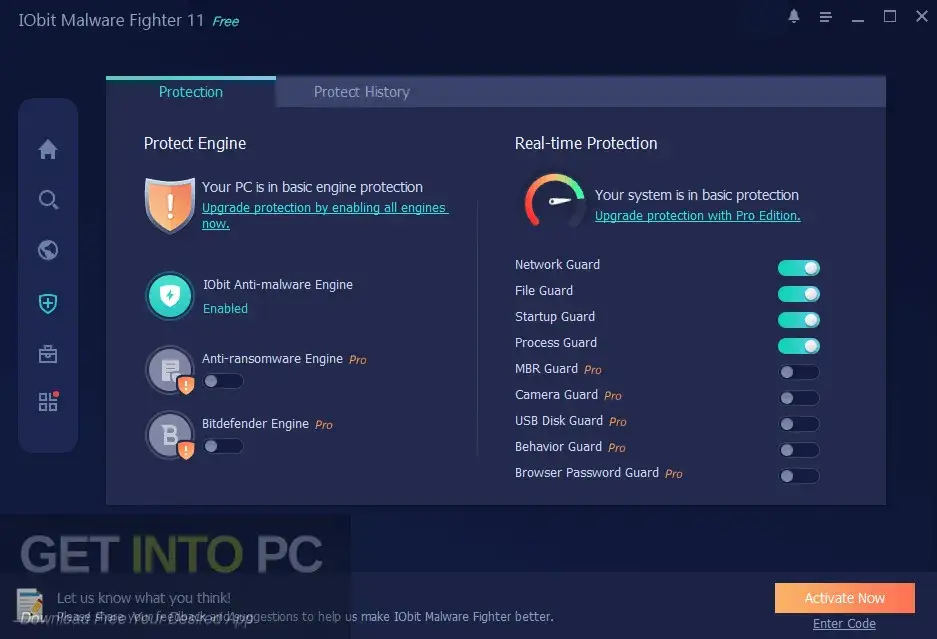
- Real-Time Protection
Provides continuous monitoring and blocks threats instantly before they harm your PC. - Advanced Malware Detection
Detects and removes spyware, adware, trojans, worms, and other dangerous threats. - Multiple Security Shields
Protects files, USB drives, browser data, and system in real-time. - Anti-Ransomware Protection
Keeps your important files safe from ransomware attacks using a powerful engine. - Safe Box Security
Allows you to lock and protect your private and sensitive files securely. - Sandbox Mode
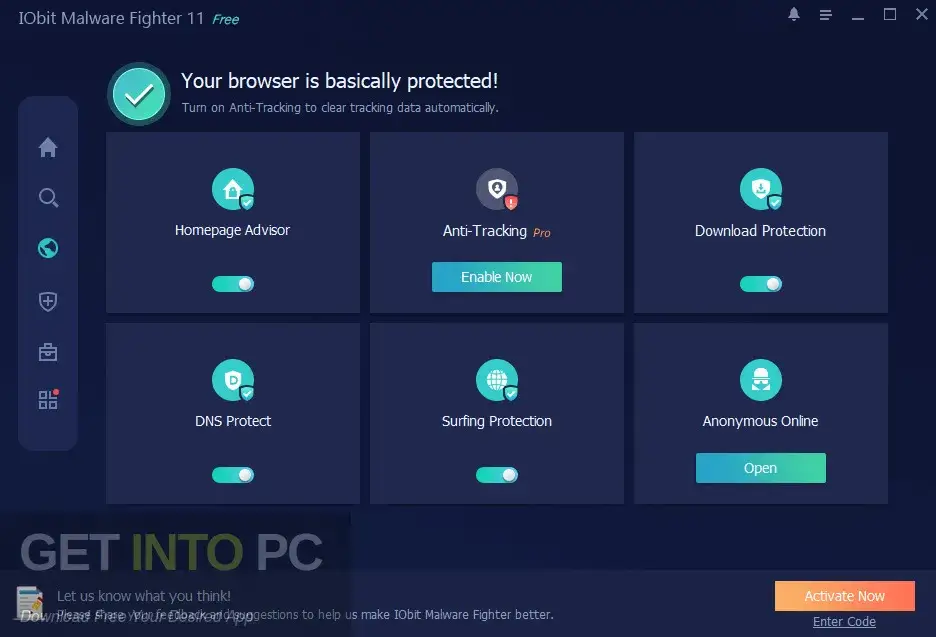
Run unknown programs safely in an isolated environment without affecting your system. - Browser Protection
Blocks phishing websites, ads, and harmful pop-ups for safe browsing. - Boot-Time Scan
Scans your system during startup to detect hidden threats early.
System Requirements
Operating System: Windows 7, Windows 8, Windows 10
RAM: 512 MB
Hard Disk Space: 100 MB free space required
Processor: Intel Dual Core or higher
Technical Specifications
Software Name: IObit Malware Fighter 2024
Version: 11.3.0.1346
File Size: 58 MB
Setup Type: Offline Installer / Full Standalone Setup
Architecture: 32 Bit (x86) / 64 Bit (x64)
Release Date: August 23, 2024
Developer: IObit
How to Download
- Click on the download button given below.
- Wait a few seconds and the download will start automatically.
- If the download does not start, click on the link again.
- After downloading is complete, locate the file in your Downloads folder.
- Now you are ready to install the software on your PC.
FAQs
Is IObit Malware Fighter 2024 free to use?
Yes, it offers a free version with basic protection, but you can upgrade to the Pro version for advanced features.
Can it remove all types of malware?
Yes, it can detect and remove most types of threats including spyware, trojans, and ransomware.
Is it safe for beginners?
Yes, it has a simple interface which makes it easy for beginners to use.
Does it slow down the computer?
No, it is lightweight and works smoothly without affecting system performance.
