
Zorin OS 18 is a modern and powerful Linux-based operating system designed to replace Windows and macOS with a faster and more secure experience. Built on Ubuntu, it provides excellent performance, stability, and software support. Zorin OS is ideal for beginners, students, and professionals who want a simple and clean interface. It comes with built-in applications and allows users to run many Windows programs easily. With strong privacy features and smooth performance, Zorin OS 18 makes everyday computing easy and efficient.

Key Features
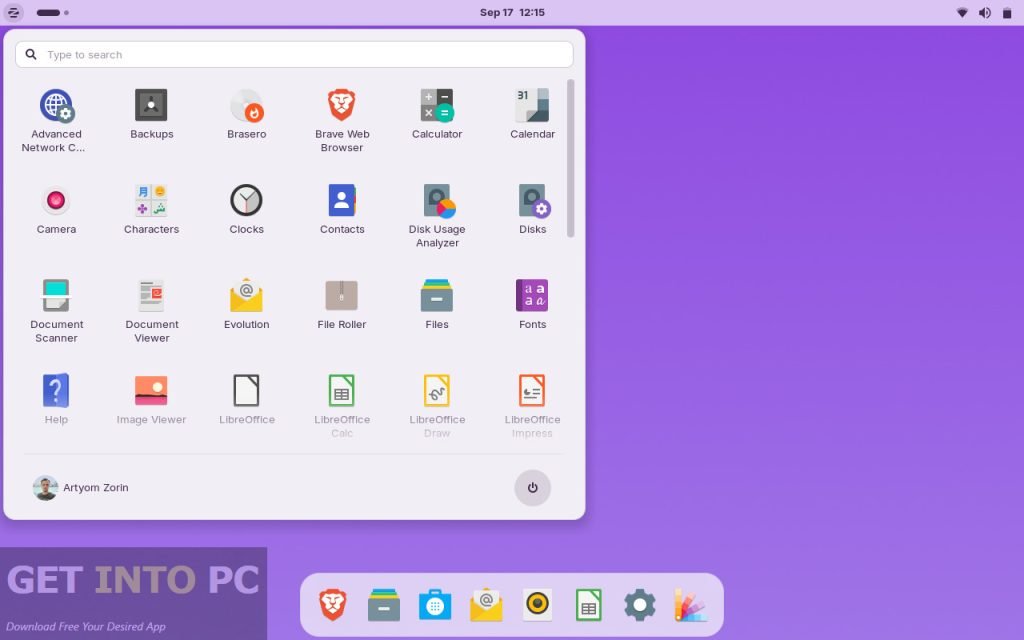
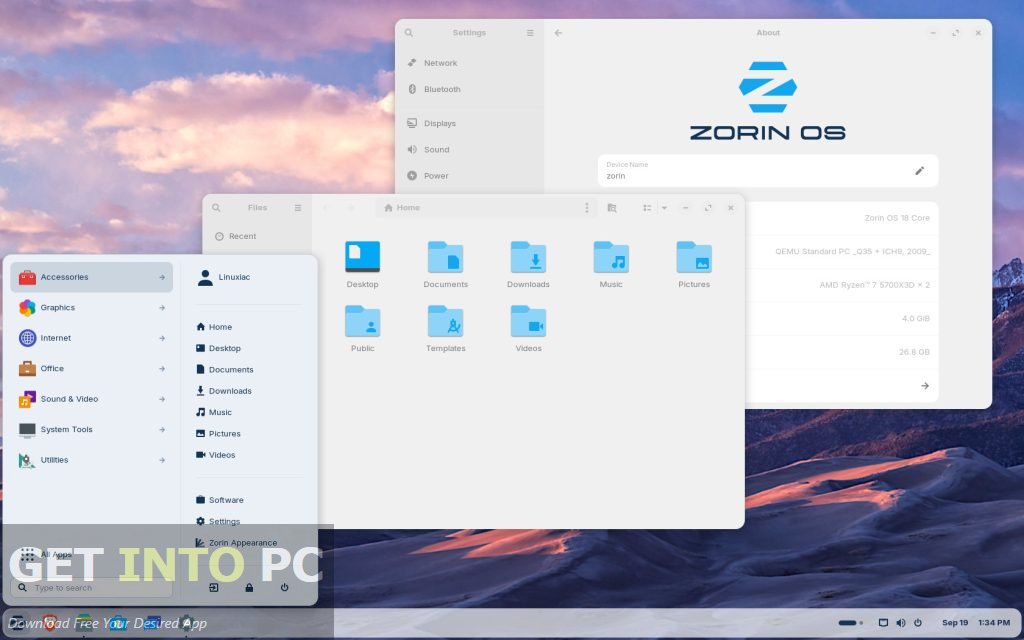
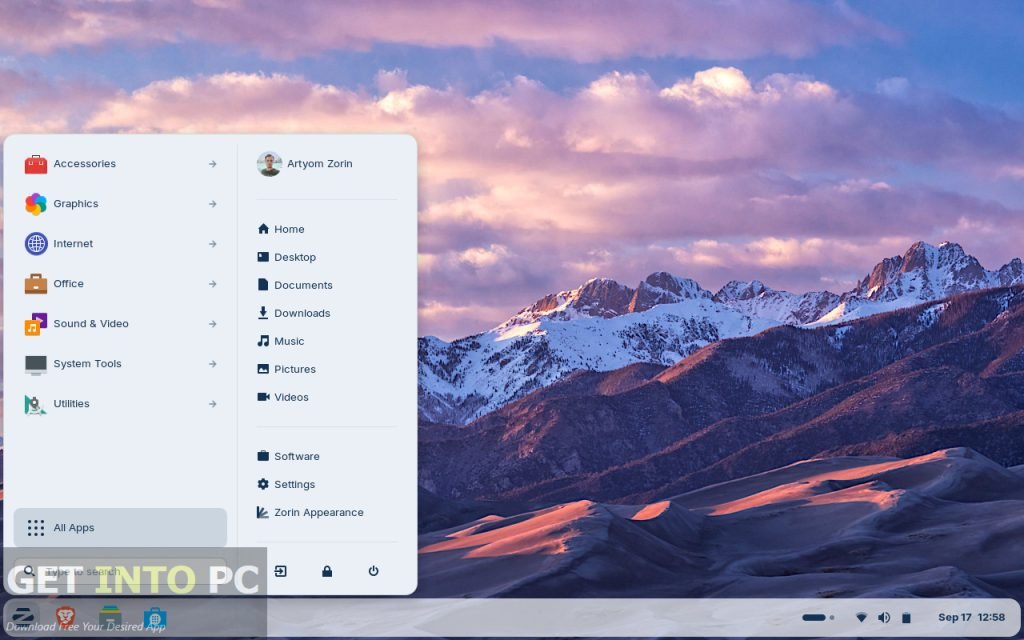
- User-Friendly Interface – Clean and simple design, easy for beginners
- Fast Performance – Smooth working even on low-end computers
- Customizable Desktop – Change layout and themes easily
- Built-in App Store – Access thousands of free apps
- Secure and Reliable – Regular updates with strong security
- Windows App Support – Run many Windows programs easily
- Privacy Focused – No tracking or hidden data collection
- Lite Version Available – Perfect for old or weak PCs
System Requirements
Minimum Requirements
- Processor: 1 GHz Dual Core CPU
- RAM: 1 GB
- Storage: 15 GB free space
- Display: 800×600 resolution
Recommended Requirements
- Processor: 2 GHz Quad Core CPU
- RAM: 4 GB or more
- Storage: 40 GB free space
- Display: 1366×768 or higher
Technical Specifications
- Software Name: Zorin OS 18
- Developer: Zorin Group
- Operating System: Linux-based
- Architecture: 64-bit
- License: Free (Core Version)
- File Size: Around 2 GB
- Latest Version: Zorin OS 18
- Category: Operating System
How to Download and Install
- Visit the official Zorin OS website using your browser
- Open the download section on the homepage
- Select Zorin OS 18 Core edition
- Download the ISO file to your computer
- Use a tool like Rufus to create a bootable USB drive
- Restart your computer and open the boot menu
- Boot your system using the USB drive
- Select the “Install Zorin OS” option
- Follow the on-screen installation instructions
- Complete setup and restart your PC
- Remove the USB drive and start using Zorin OS
FAQs
What is Zorin OS 18 used for?
Zorin OS 18 is used for daily tasks like browsing, office work, watching media, and programming.
Is Zorin OS 18 free to use?
Yes, the Core version is completely free, while a Pro version is also available with extra features.
Can I run Windows software on Zorin OS 18?
Yes, many Windows applications can run using compatibility tools like Wine.
Is Zorin OS 18 good for old computers?
Yes, Zorin OS Lite is specially designed to run smoothly on older or low-end PCs.
